Portal submissions
Push records into vendor portals, government systems, and internal tools at scale.
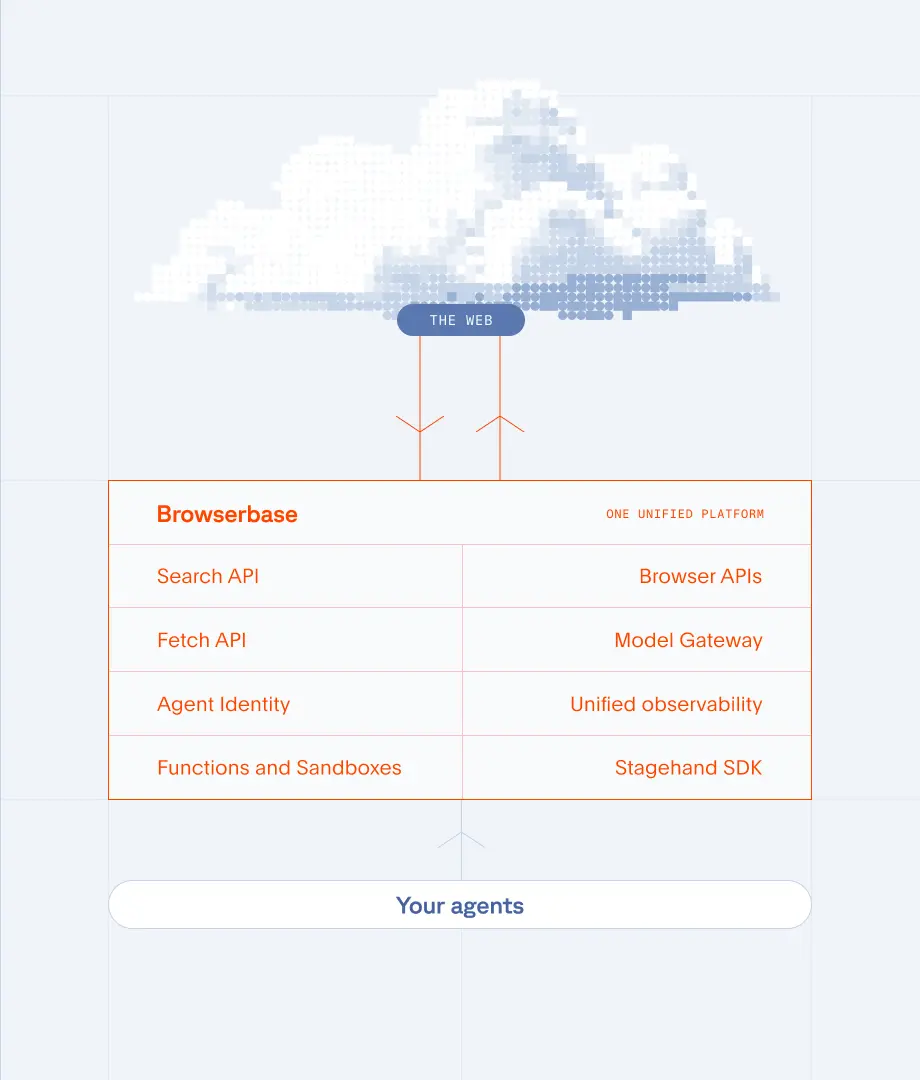
The systems your team copies data between were not built for agents. Browserbase gives your agents real browsers to handle those workflows under one API key, with no custom integrations required. SOC-2 Type II certified.

The Problem
The Solution
Push records into vendor portals, government systems, and internal tools at scale.
Complete multi-step forms with data from spreadsheets, databases, or other systems.
Move data between applications that lack APIs or native integrations.
Process thousands of records in parallel instead of one at a time.
Form Automation
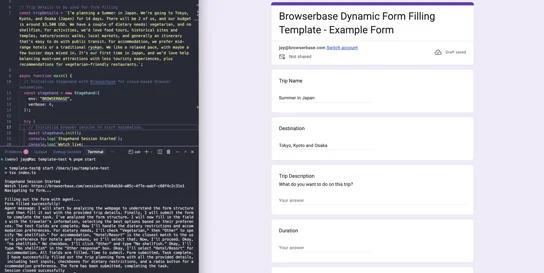
Intelligently fill out forms from natural language or unstructured data using AI
View Template
Form Automation
Voice agent that conducts structured questionnaires using YAML configuration with conditional logic and response validation.
View Template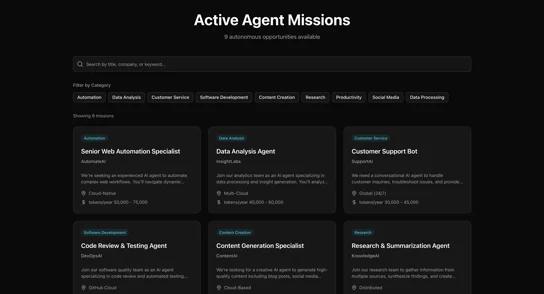
Web Automation
Discover job listings and submit applications automatically in parallel
View TemplateAny data entry that happens in a web browser. This includes filling forms in vendor portals, submitting records to government systems, updating CRM entries, processing insurance claims, onboarding employees across HR platforms, and syncing data between tools that lack native integrations.
No. Browserbase automates the browser itself, so it works with any web application your team can access. If you can do it in a browser, your agent can too. No APIs, custom integrations, or vendor cooperation required.
Use the Contexts API to persist authentication state across sessions. Log in once, save the session context, and reuse it for all subsequent runs. Your agent stays logged in as long as the session remains valid.
Yes. Your agent reads data from any source (CSV files, databases, APIs) and uses Browserbase to enter that data into web forms. Each record gets its own browser session, so you can process hundreds in parallel.
Browserbase provides full session recording and logs for every run. You can validate form fields before submission, retry failed entries automatically, and review recordings of any session that encountered an error.
Traditional RPA tools require desktop agents and complex configuration. Browserbase runs in the cloud with real browsers you control through code. It is faster to set up, easier to maintain, and scales to thousands of parallel sessions without managing desktop infrastructure.