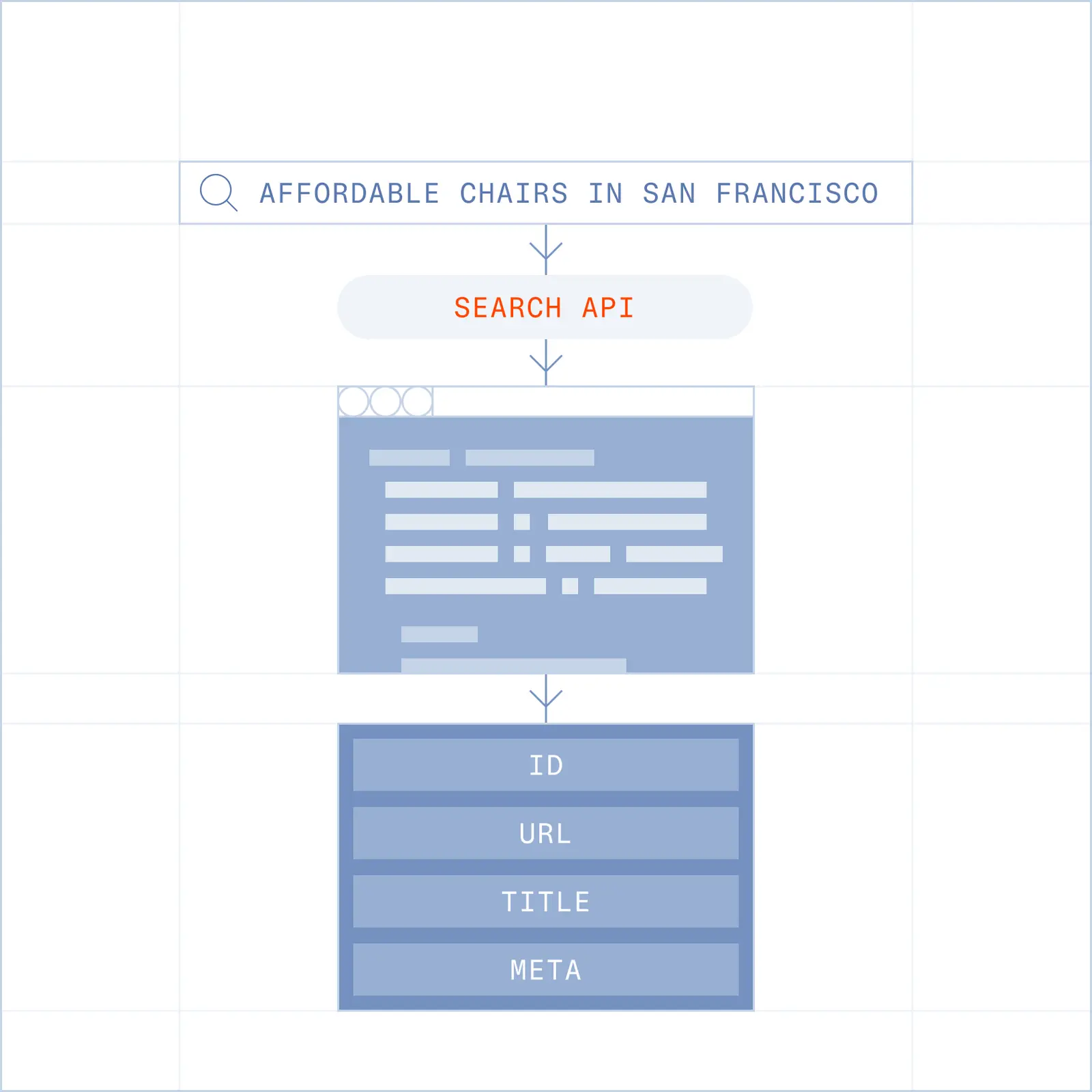
Search returns ranked URLs with titles and descriptions so your agent lands in the right place on the first try.
Search the live web with agent-optimized results.

Agents must “know where to go” before they can act. The more tokens they spend trying to get to the correct website, the worse their agent will perform.
Browserbase real time Search API returns ranked and token-optimized web results.
Most agent tasks start with a question: where should I go, and what's there?
Most search APIs are designed around how people browse. Agents don't browse. They navigate, extract, and act, and every unnecessary hop costs tokens, time, and reliability.
One API Key gives your agents access to the whole web.
import Browserbase from '@browserbasehq/sdk';

const bb = new Browserbase({ apiKey: process.env.BROWSERBASE_API_KEY });

// Query the web, get back ranked results (1–25) for your agent to act on
const res = await bb.search.web({
  query: 'best open-source vector databases 2026',
  numResults: 5,
});

for (const r of res.results) {
  console.log(`${r.title} → ${r.url}`);
}
import os
from browserbase import Browserbase
bb = Browserbase(api_key=os.environ["BROWSERBASE_API_KEY"])
# Query the web, get back ranked results (1–25) for your agent to act on
res = bb.search.web(
query="best open-source vector databases 2026",
num_results=5,
)
for r in res.results:
print(f"{r.title} → {r.url}")An agent-optimized web experience.
Search returns ranked URLs with titles and descriptions so your agent lands in the right place on the first try.
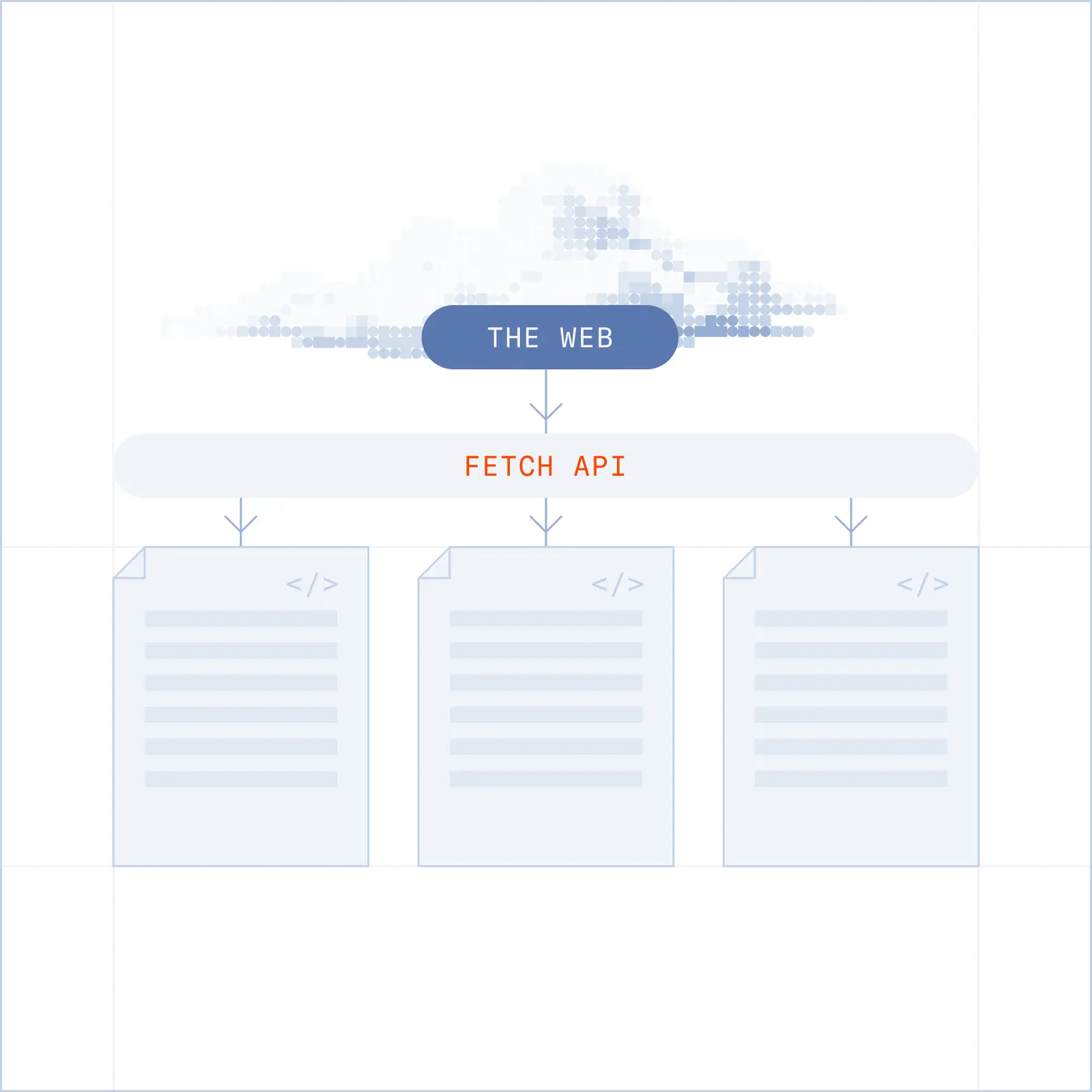
Fetch and Fetch Extract allow you to pull content and convert to markdown or structured JSON from a provided url. Request a page, get content back.
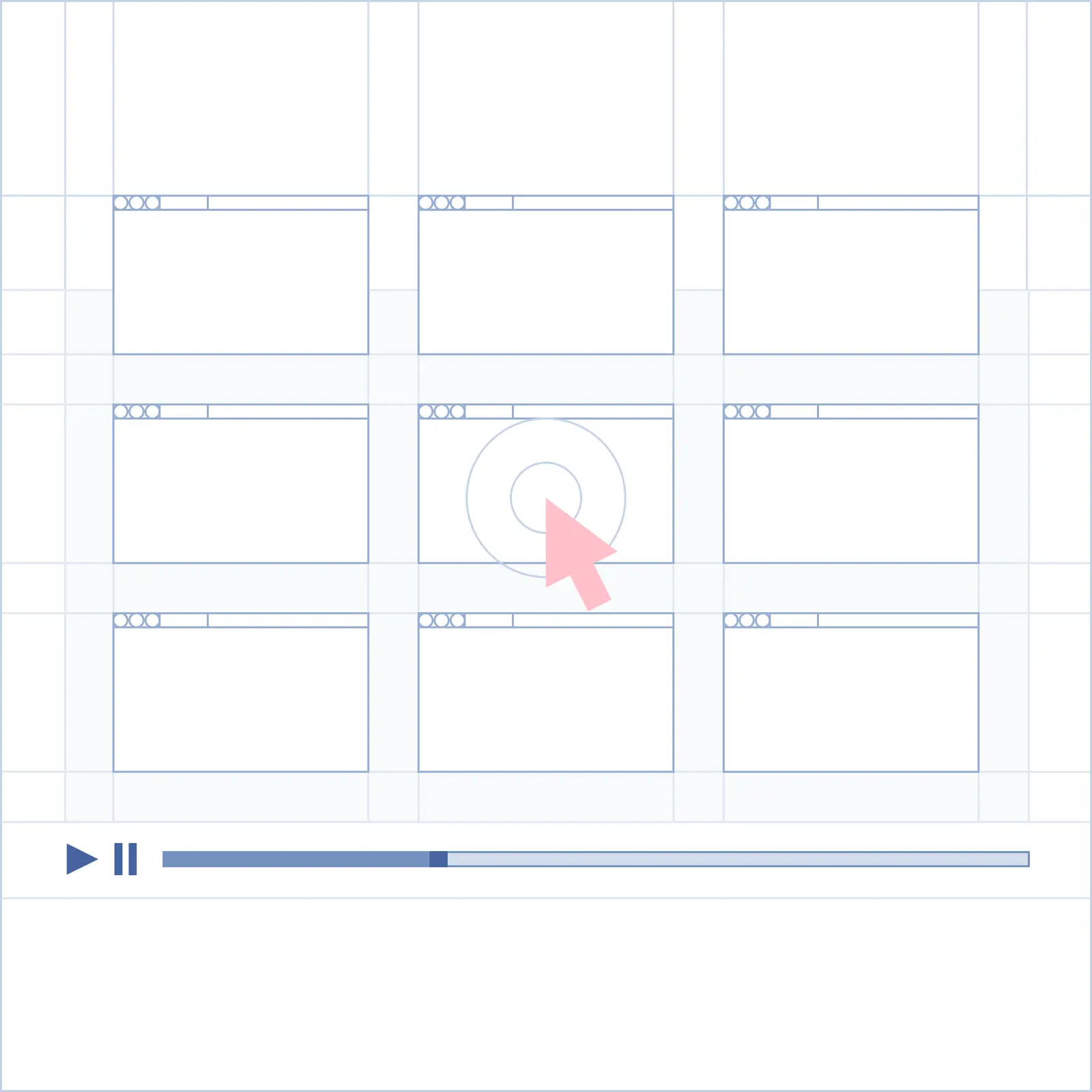
Browse is the final step that lets you take actions on a page. Log in, fill out a form, download a file.
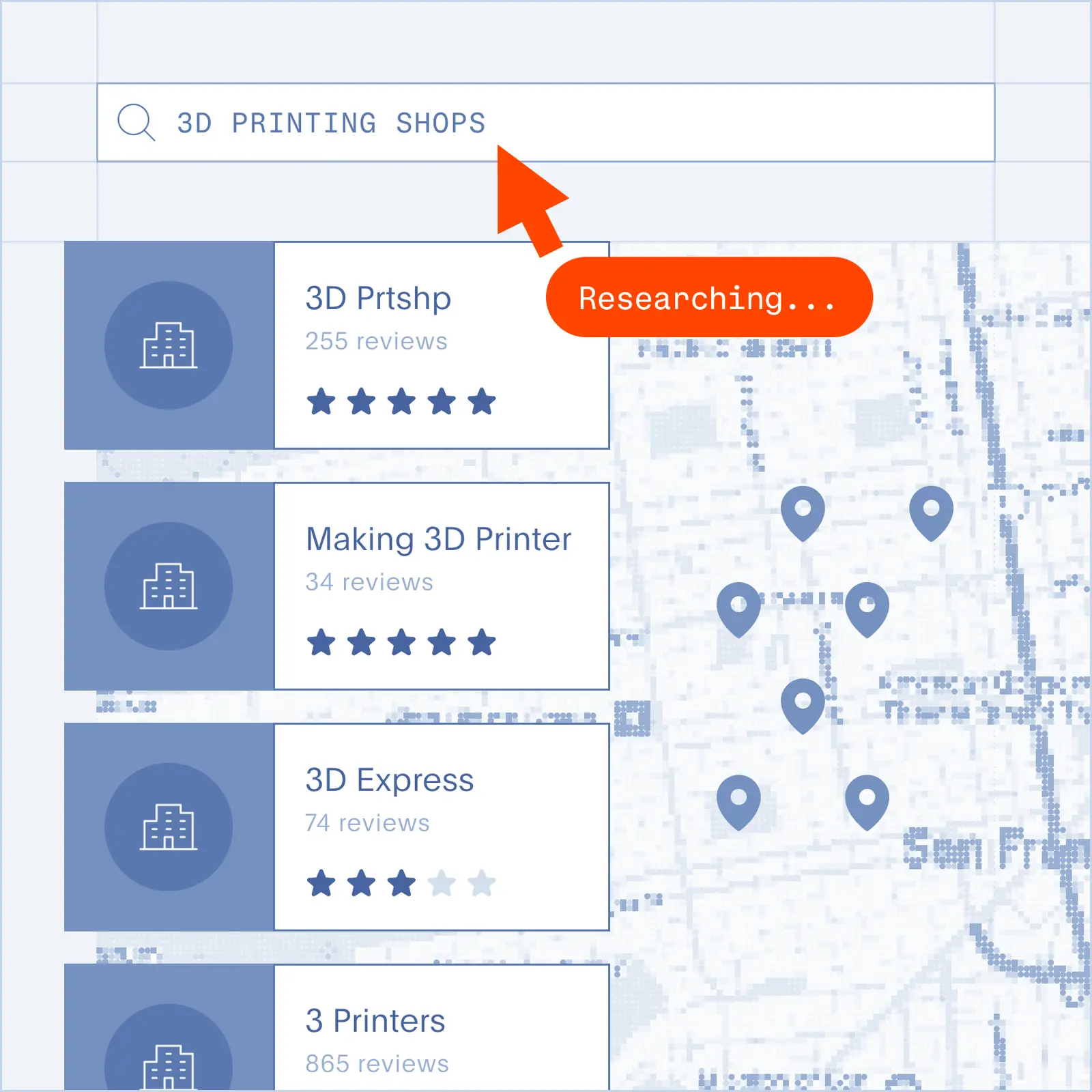
Point an agent at a topic and get back ranked, readable content. No scraping, no brittle selectors.
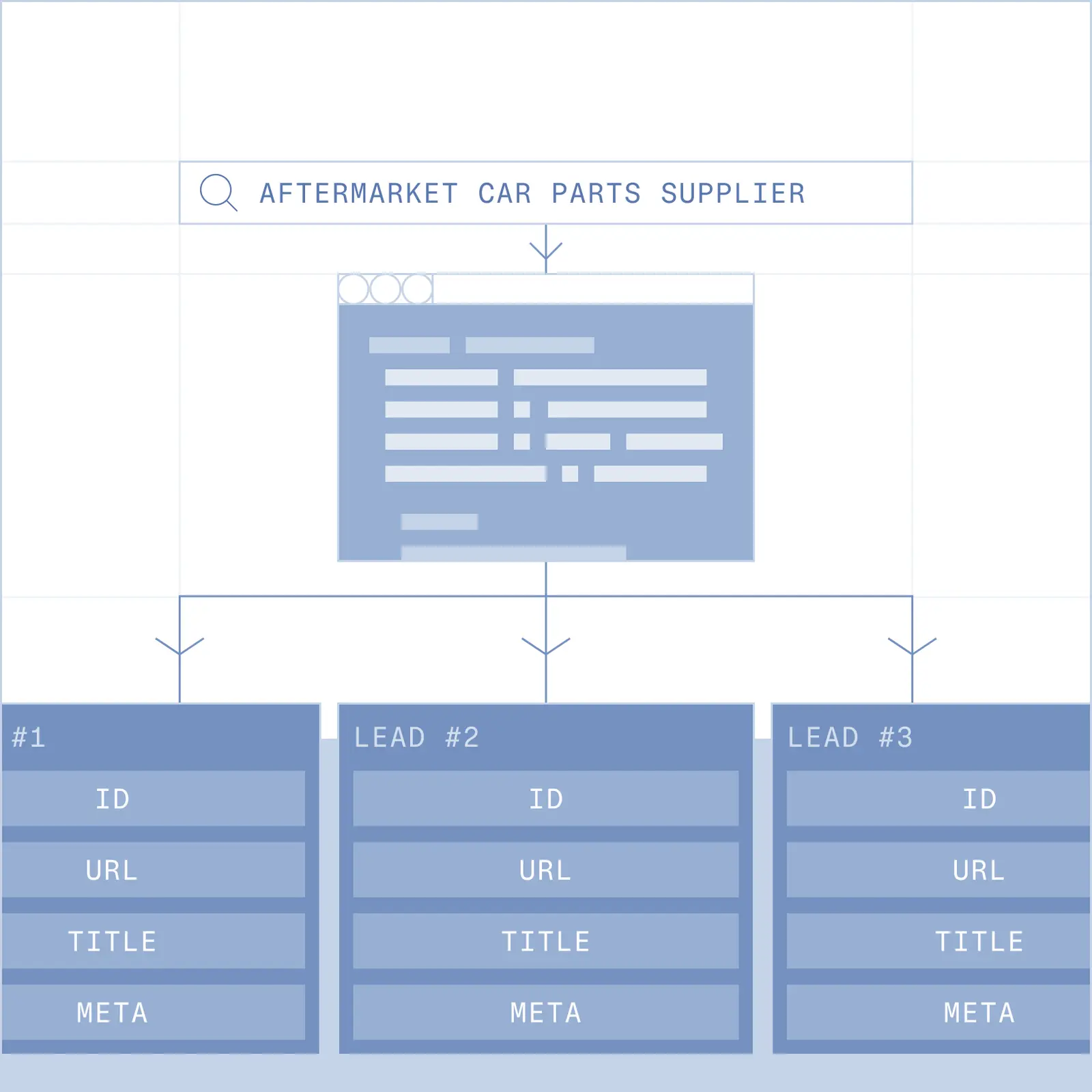
Search for a company or contact, pull the right page, extract what you need. Structured, at scale.
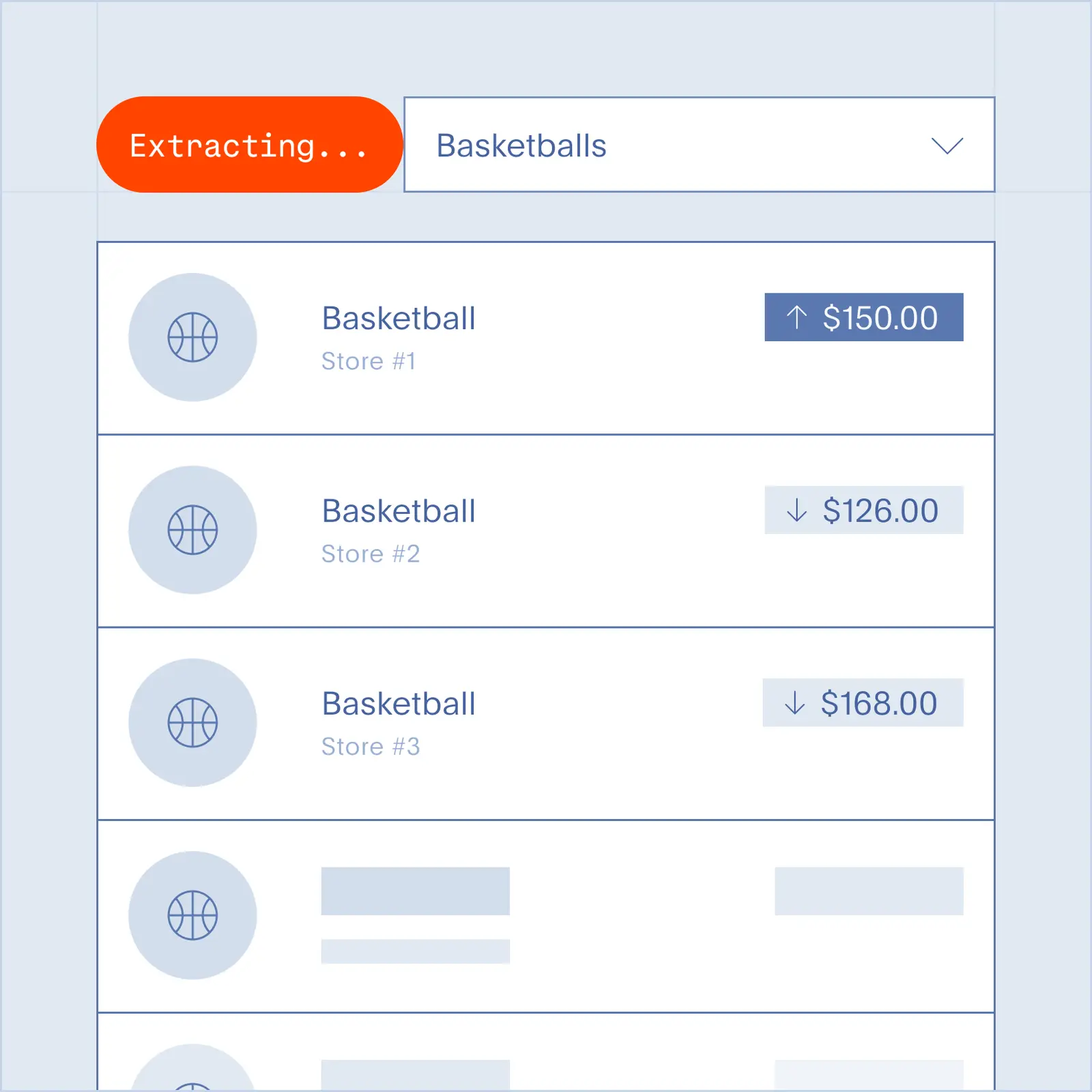
Search for what's changing in your space. Pair with a browser session to go deeper when it matters.
A web search API for AI agents takes a query and returns ranked, machine-readable results (URLs, titles, and snippets) an agent can use without opening a browser or reading past ads and page chrome. It's built for speed and low token use so you can call it over and over inside an agent loop. Browserbase's Search API returns relevance-ranked results in about a second at roughly 5–10 KB per response, which leaves the agent's tokens free for reasoning instead of parsing.
A SERP API mirrors a Google or Bing results page. It's meant to reproduce what a person sees, rich blocks and all. An agent search API gives a machine what it needs instead: a short list of high-relevance results, clean structure, and low latency in a loop. Serper positions itself as a Google SERP proxy; SerpApi is "a real-time API to access Google search results" that handles proxies and CAPTCHAs for you. If your agent needs to make a decision rather than render a page, the agent-native format saves you a parsing step.
The difference is what comes back and how heavy it is. Tavily calls itself "the real-time search engine for AI agents and RAG workflows" and returns content "structured and chunked for models". Firecrawl Search bundles search and full-page markdown for every result in a single call. Browserbase Search sends back a light list of ranked results first, around 5–10 KB, instead of every page's body. The agent looks at the list, then fetches a fresh copy of the one page it wants through the Fetch API. Responses stay small, and the agent never acts on a stale cached copy.
Direct developer access to the big engines has mostly closed, and a raw results page isn't something an agent can use cleanly. Microsoft retired the Bing Search APIs on August 11, 2025 and pointed developers to Azure and agent tools instead. Consumer Google output is full of ads, cookie banners, and navigation your model pays tokens to skip. A search API built for machines gives you clean, ranked results and stays stable when an agent calls it in a loop.
The Browserbase Search API integrates as a single REST API or Python and TypeScript SDKs methods for a swift migration path. Get quick and accurate results, optimized for agents.
Fast, because agents loop and the delay stacks. A single ReAct agent might run three or four searches before it lands on an answer, so every 100 ms per call adds up across a task. The agent-search providers now compete on sub-200 ms response times, with Tavily citing "180ms p50". Browserbase Search aims for sub-second responses with small payloads, around 5–10 KB, to stay quick inside those loops.
It returns ranked results (URLs, titles, and snippets), not full page bodies. The agent gets a short, token-light list to work from, then pulls the content of the page it actually needs with the Fetch API, which returns a live copy as markdown or JSON. Splitting search from fetch keeps search responses fast and small, and it means the content the agent finally reads is current rather than a copy from an index. Firecrawl Search takes the other approach and returns full markdown for every result in one call, which is handy for a one-shot answer but heavier and cached.
Results are ranked from an up-to-date index, and the content the agent reads afterward is fetched live, not pulled from a stale copy. That matters for agents: a cached snapshot can send one down a path based on something the site has already changed.
The right one for RAG returns relevant, clean, chunk-ready results with low latency and current content, since those are what cut hallucination and token waste. Browserbase pairs ranked, token-light Search to find sources with live Fetch to pull fresh markdown or JSON for grounding, so retrieval stays current and your context window isn't full of page furniture.