AI-powered form filling automation
Intelligently fill out forms from natural language or unstructured data using AI
Copy prompt to run with your AI agent
Send this template to your email, or view it on your desktop for the source code.
Automate complex form submissions with natural language input
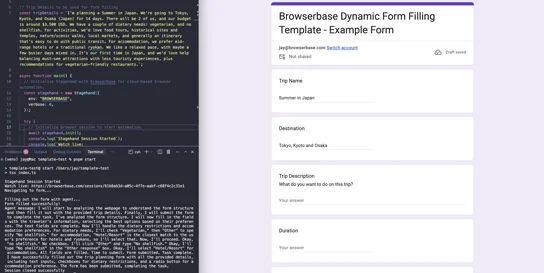
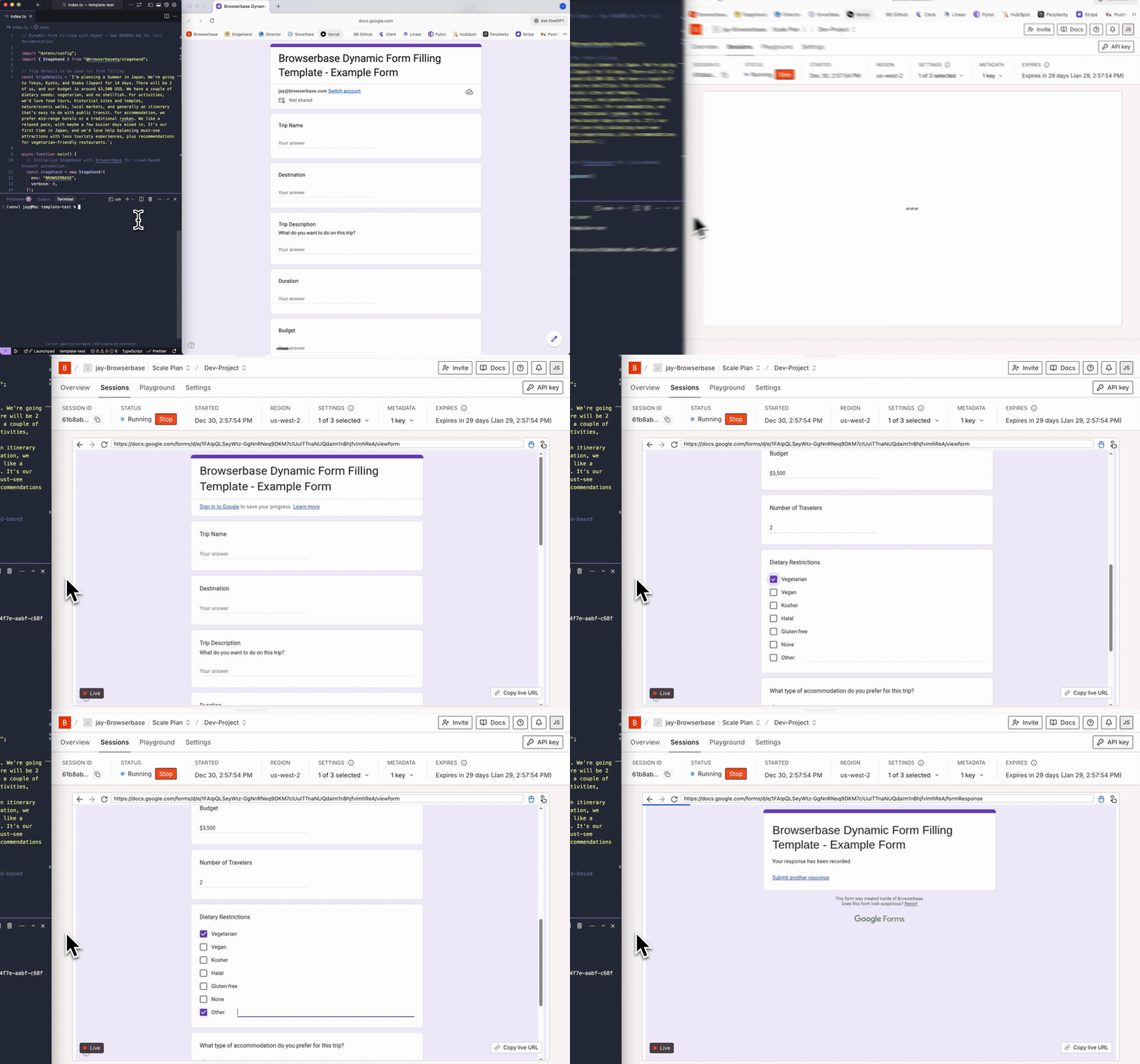
Automatically fill out web forms using natural language or unstructured data without manual field mapping. The AI agent extracts relevant form questions and fills fields with the closest matching options for radio buttons, dropdowns, and checkboxes, even when the wording doesn't exactly match. Built with Stagehand Agent and Browserbase for reliable, autonomous form completion.
Steps
- Start a Browserbase session with Stagehand and open the target form URL
- Create a Stagehand Agent with a system prompt tailored for form filling
- Provide natural language details (e.g., trip description) as the instruction input
- Agent fills all required fields, selecting the closest option for radio buttons, dropdowns, and checkboxes
- Clicks submit to complete the form submission


