Smart fetch scraper with browser fallback
Scrape webpages using the fastest method available: Fetch API first, full browser session as fallback for JS-rendered pages.
Copy prompt to run with your AI agent
Send this template to your email, or view it on your desktop for the source code.
Get started with the Smart Fetch Scraper
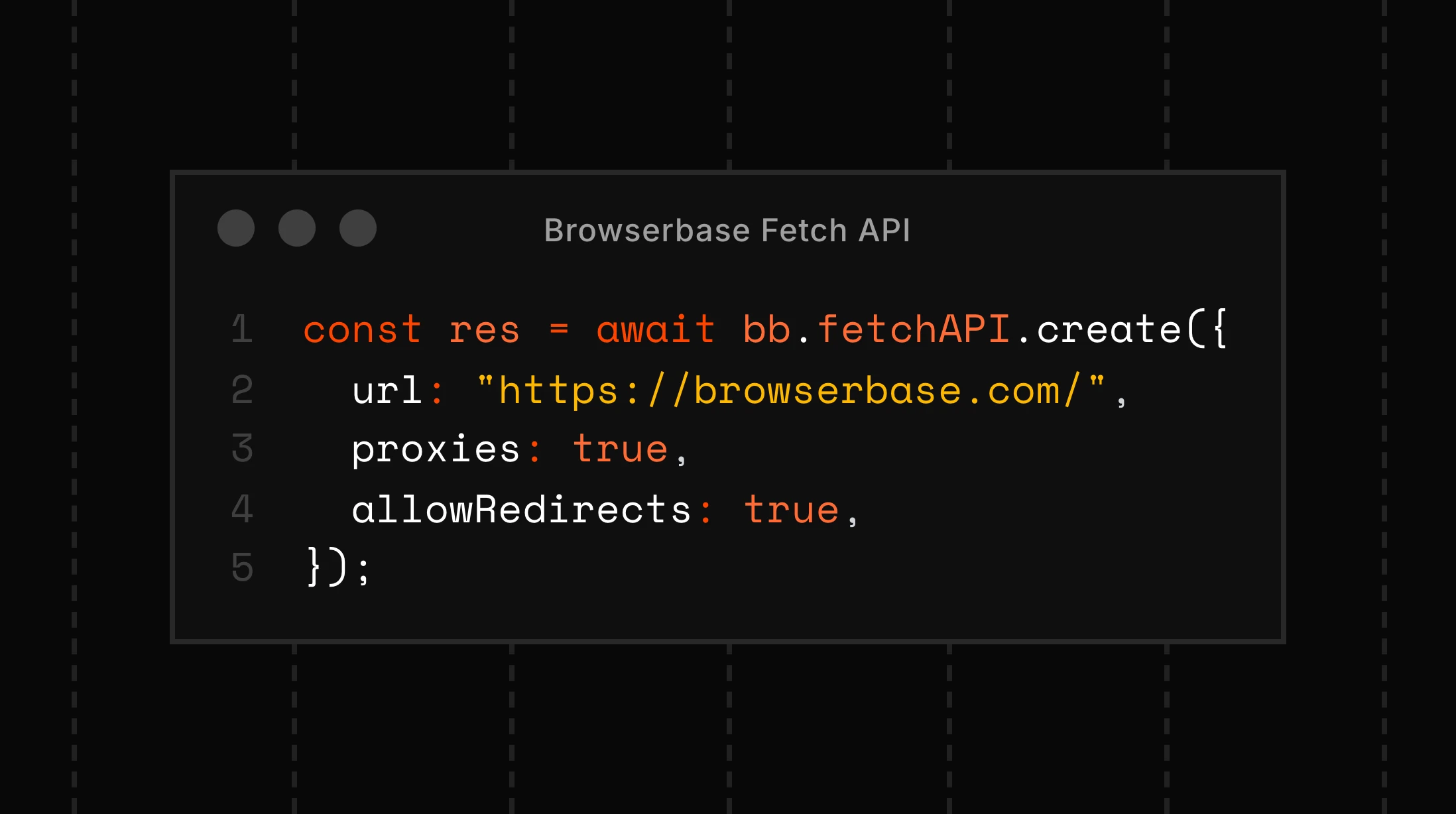
Scrape web pages using the fastest and most cost-effective method available. The Browserbase Fetch API handles most pages instantly, retrieving content in milliseconds without spinning up a browser session or using AI credits. For the rare cases where JavaScript rendering is required, the template gracefully falls back to a full Stagehand browser session with AI-powered `extract()`. Perfect for cost-optimized scraping pipelines, speed-sensitive workflows, and hybrid data extraction scenarios.
Steps
- Send a POST request to the Browserbase Fetch API (`/v1/fetch`) with the target URL
- Check response content length and text density to determine if the page is server-rendered
- If content is sufficient, parse the HTML directly for fast, zero-cost extraction
- If content is insufficient (JS-rendered pages), fall back to a Stagehand browser session
- Use Stagehand's AI-powered extract() with Zod schemas to pull structured data from complex pages


