Skip MFA on repeat logins
Complete MFA once and reuse authentication across future browser sessions
Copy prompt to run with your AI agent
Send this template to your email, or view it on your desktop for the source code.
Persist authentication and skip MFA on repeat sessions
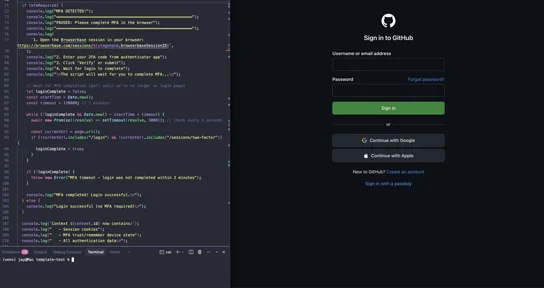
Eliminate MFA friction by completing authentication once and reusing it across future sessions. The first session saves authentication state including MFA trust and "remember device" status. Subsequent sessions automatically restore this state with no login or MFA prompts required. Perfect for payment automation, account management, and compliance workflows where you need reliable, repeated access to authenticated sites.
Steps
- Create a new Browserbase context to persist authentication state
- First session: Navigate to login page and fill in credentials
- Detect MFA prompt and pause for manual MFA completion
- Wait for user to complete MFA in the browser session
- Context automatically saves authentication state including MFA trust
- Second session: Reuse context with no login or MFA required
- Verify authentication by checking logged-in state


