Cache browser automation actions
Reduce cost and latency by caching browser automation actions across runs
Copy prompt to run with your AI agent
Send this template to your email, or view it on your desktop for the source code.
Cache browser automation actions to reduce cost and latency
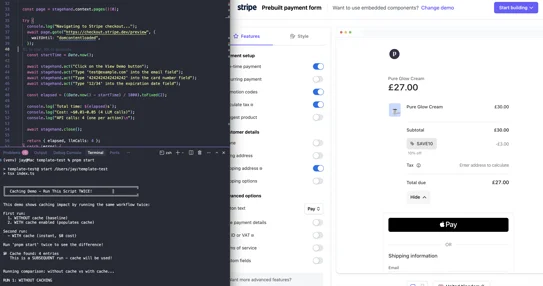
Speed up repeated browser automation workflows by caching action results and reusing them across runs. The first run executes actions normally (with LLM calls), while subsequent runs reuse cached results for near-instant execution and $0 additional LLM cost. Perfect for workflows that run the same steps repeatedly, like checkout flows, form submissions, or data extraction pipelines.
Steps
- Run the workflow once without caching to establish a baseline
- Enable caching and set a cache directory to persist action results across runs
- Repeat the same workflow to populate the cache (first cached run)
- Run the script again to demonstrate cache hits (0 LLM calls, faster execution)
- Inspect the cache directory to see cached action entries


